Do you track your website traffic? I tested four tools at once — here are the results
You have a website or blog, you write for it, and sometimes you wonder: does anyone actually read it? And if so - what?
This article is not for e-shops and performance marketing.
This article is for website owners and bloggers who care about traffic to individual pages. And also for those who don't want to send visitor data to Google - because not everyone wants to feed the giant.

Last updated: 25 March 2026
For this test I took my own website, installed four analytics tools on it, and let them run for a week. Then I compared the results. Here they are.
Which analytics tools I tested
I tested four website traffic measurement tools:
- Google Analytics 4 - analytics by Google (connected to the site via Google Tag), "free" (you pay with your visitors' privacy), the most widely used. Data goes to Google's servers.
- Matomo - an open-source alternative, installed directly as a WordPress plugin. Data stays on your server.
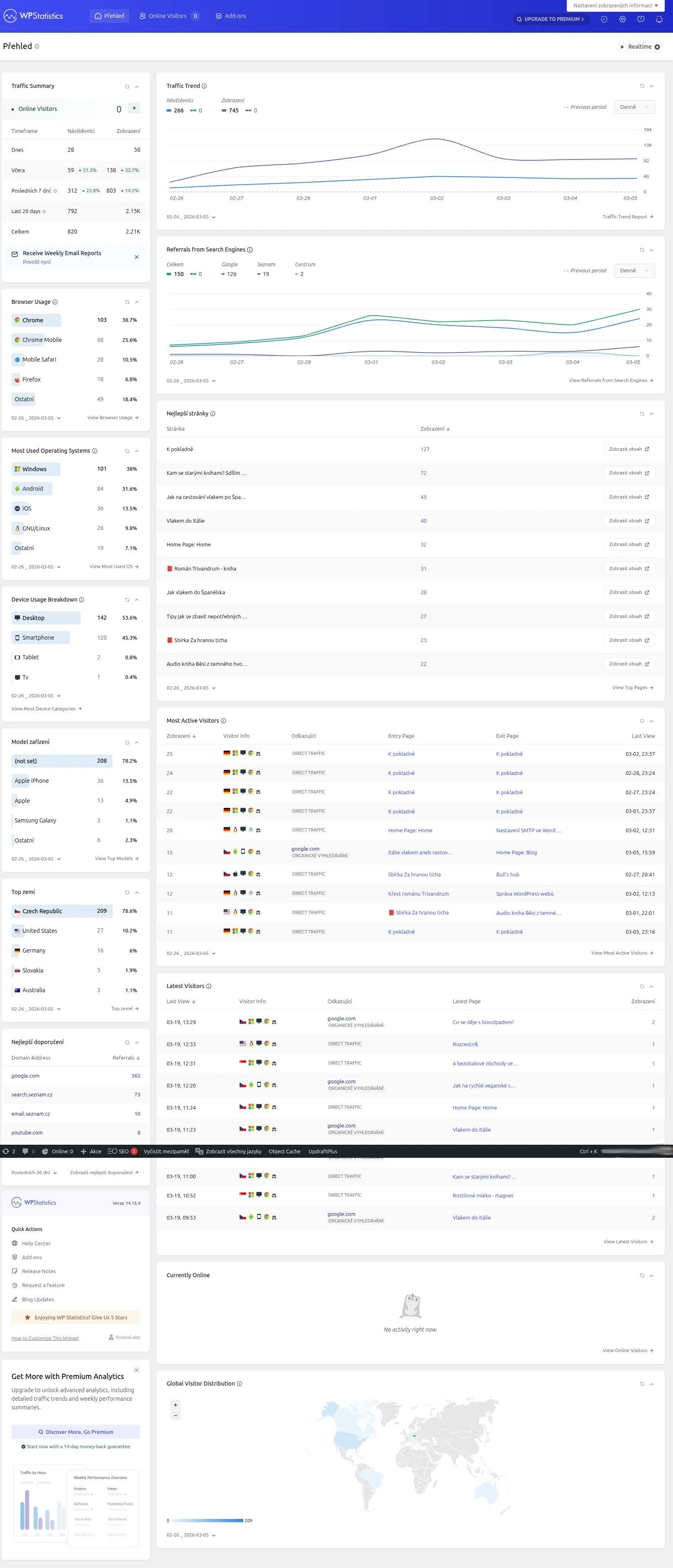
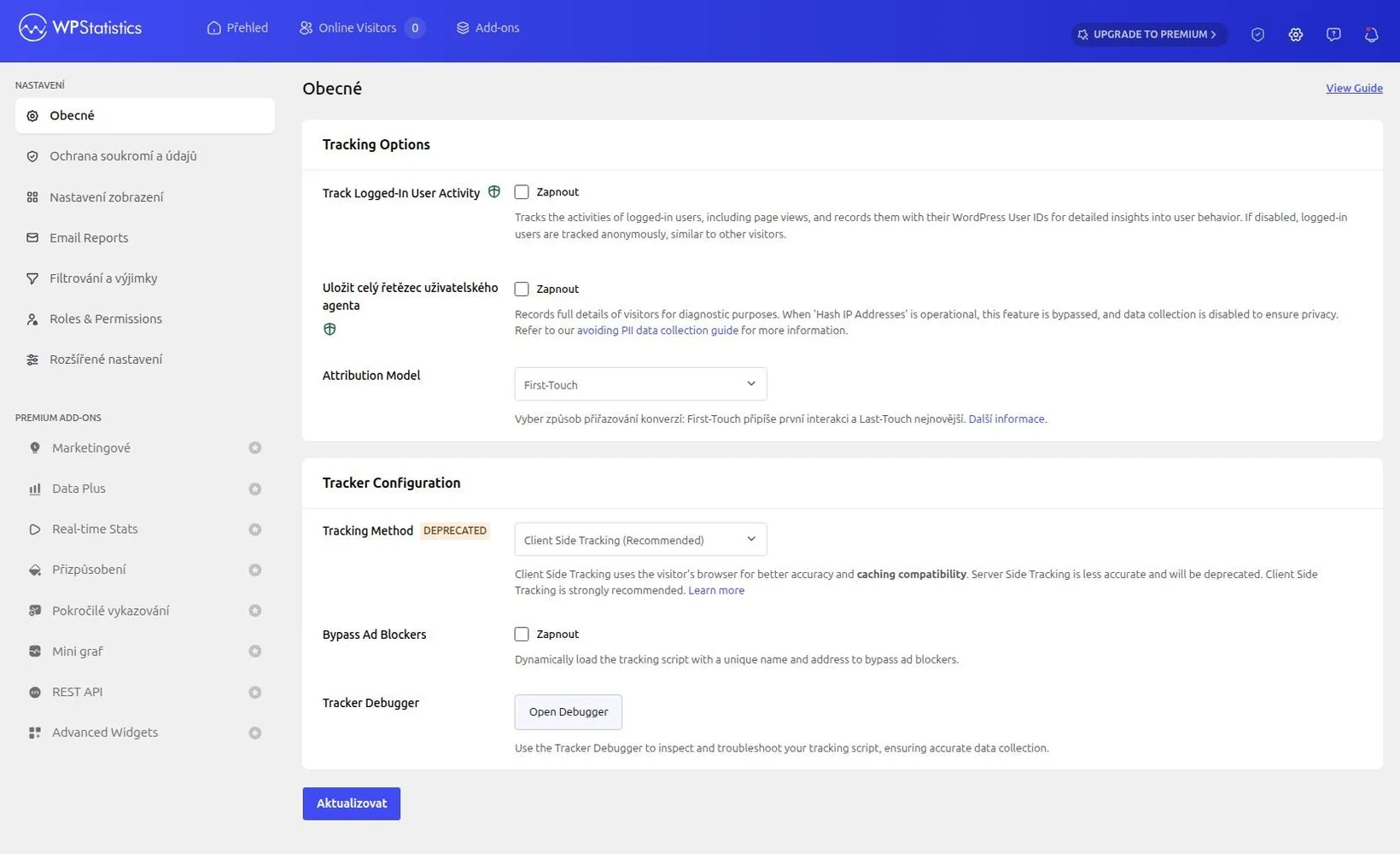
- WP Statistics - a WordPress plugin that stores data in its own database. Data stays on your server.
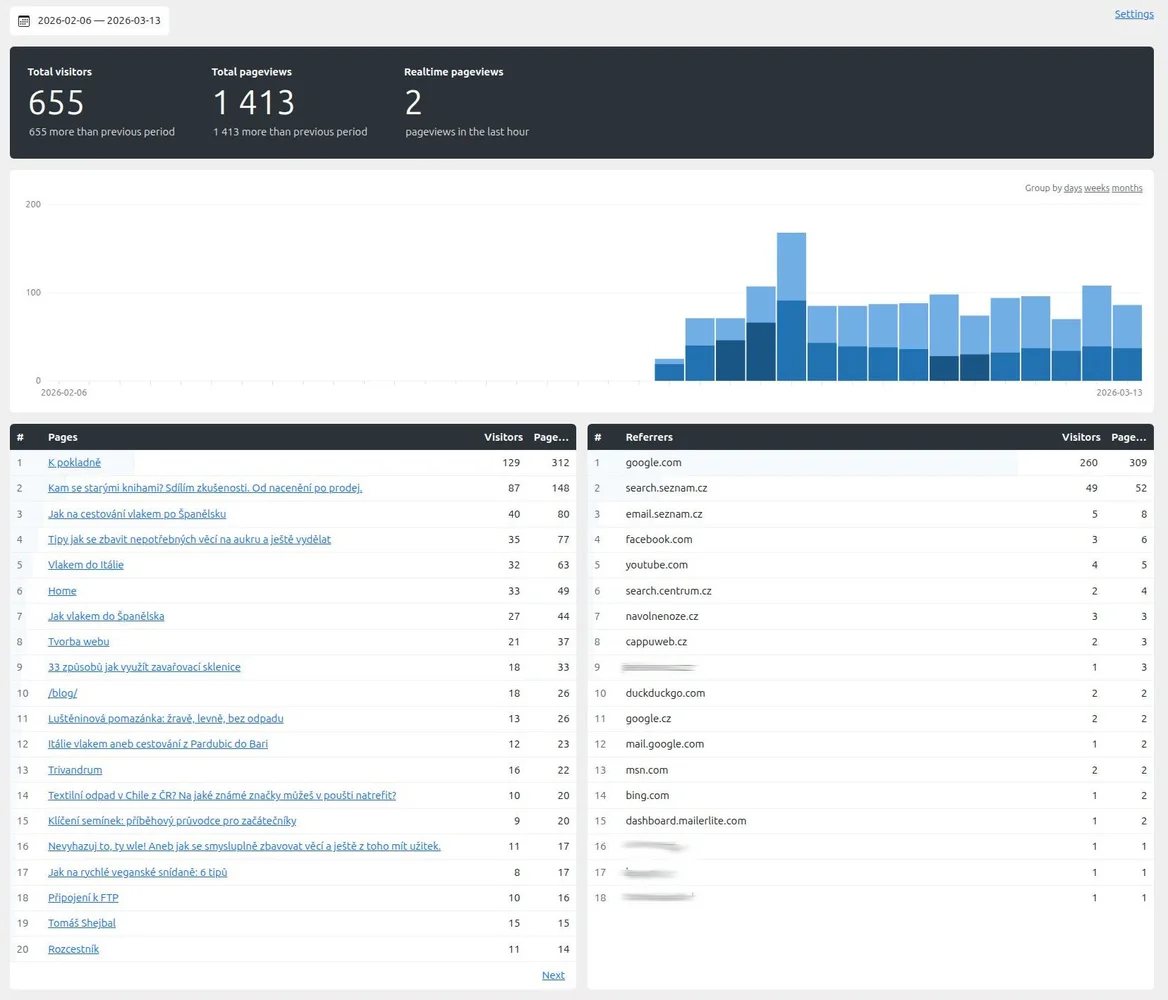
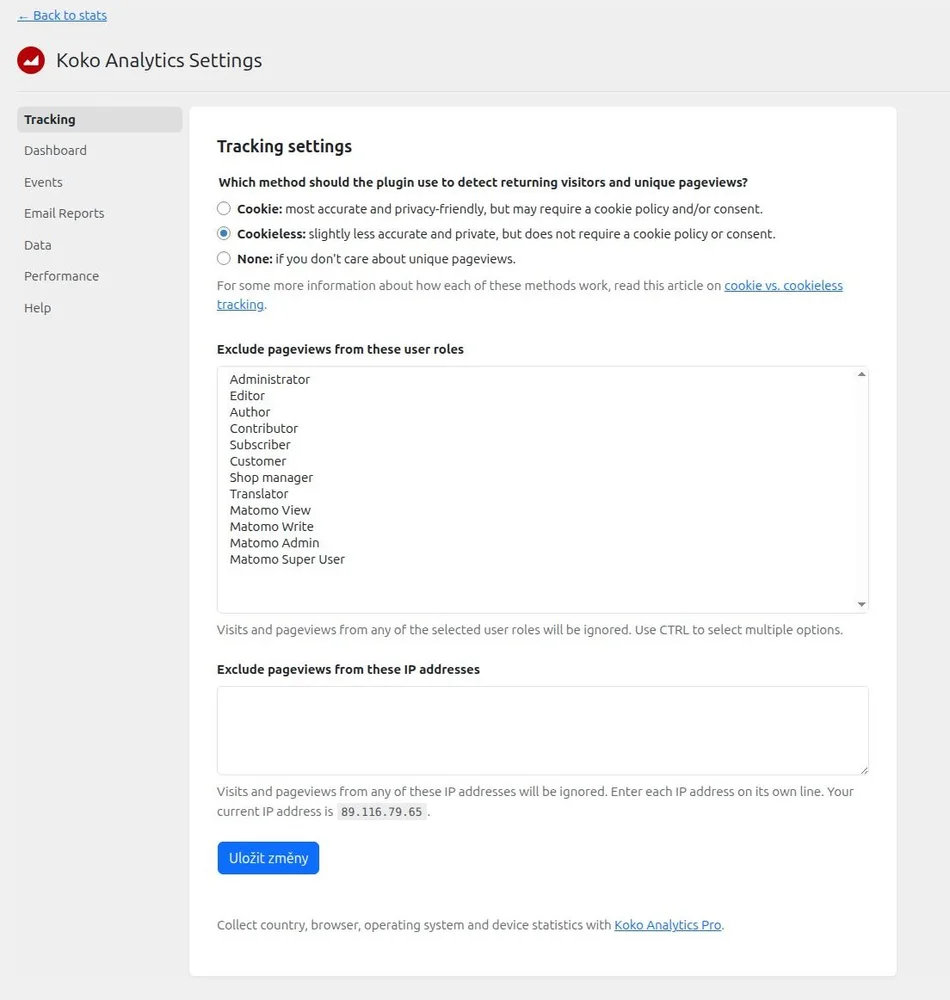
- Koko Analytics - an ultra-lightweight WordPress plugin. Basic analytics for users who don't need much.
Which articles get read
For a blogger, the most important thing is knowing which specific pages visitors open — not the total traffic number.
Here the tools agree surprisingly well.
| Page | GA4 | Matomo | WP Statistics | Koko Analytics |
|---|---|---|---|---|
| What to do with old books | 28 | 81 | 46 | 79 |
| How to get rid of things you don't need | 36 | 50 | 51 | 49 |
| Travelling around Spain by train | 20 | 35 | 35 | 35 |
| Train to Italy | 16 | 22 | 21 | 23 |
| Website creation | 14 | 12 | 13 | 11 |
| How to get to Spain by train | 10 | 18 | 18 | 18 |
| 33 ways to use mason jars | 6 | 20 | 20 | 19 |
The data says several things at once. For most pages, Matomo, WP Statistics and Koko Analytics agree - see Travelling around Spain by train (35/35/35) or How to get to Spain by train (18/18/18). GA4 is consistently lower for these pages.
The exception is the article about old books - Matomo and Koko Analytics show 79–81 views, while WP Statistics shows only 46. Why such a difference? It may be caused by how the tools count repeated page loads within a single visit.
If you want to know what people are reading, all four tools give a reliable answer - the ranking roughly matches. What will matter most is how comfortable you feel working with the tool.
Summary
Koko Analytics - for simple needs
Ideal for a simple blog or a presentation website. Koko is easy to install, easy to set up, and the traffic overview is straightforward.
Who Koko Analytics is not for: If you want to know more than "X people visited page Y," Koko won't be enough.
WP Statistics
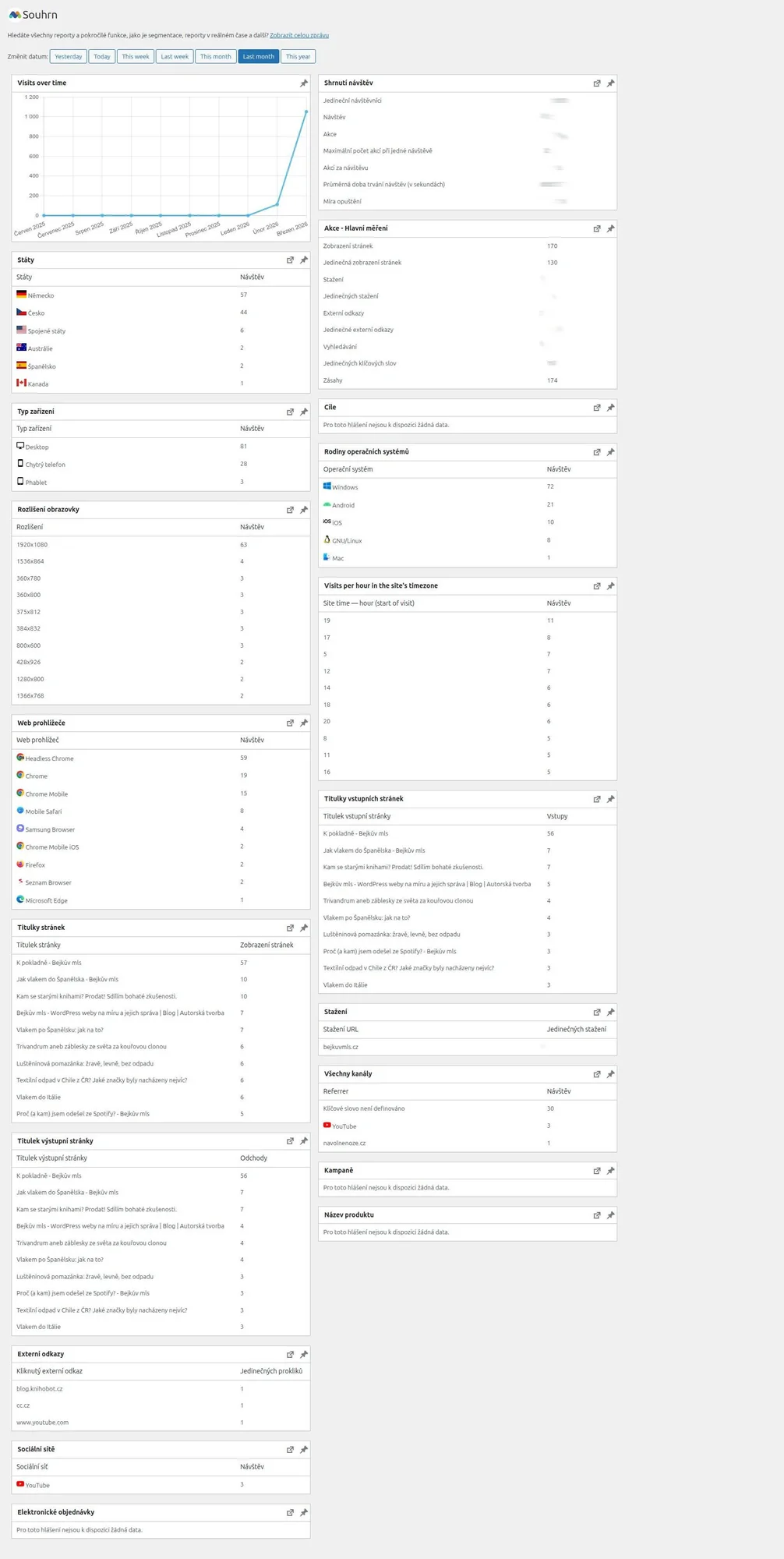
WP Statistics has a lot of information and settings. I find the dashboard confusing. I don't like that the free version doesn't allow data export (unlike Matomo). I don't recommend it. If Koko isn't enough for you, I'd skip straight to Matomo.
Matomo - the most data, and it stays yours
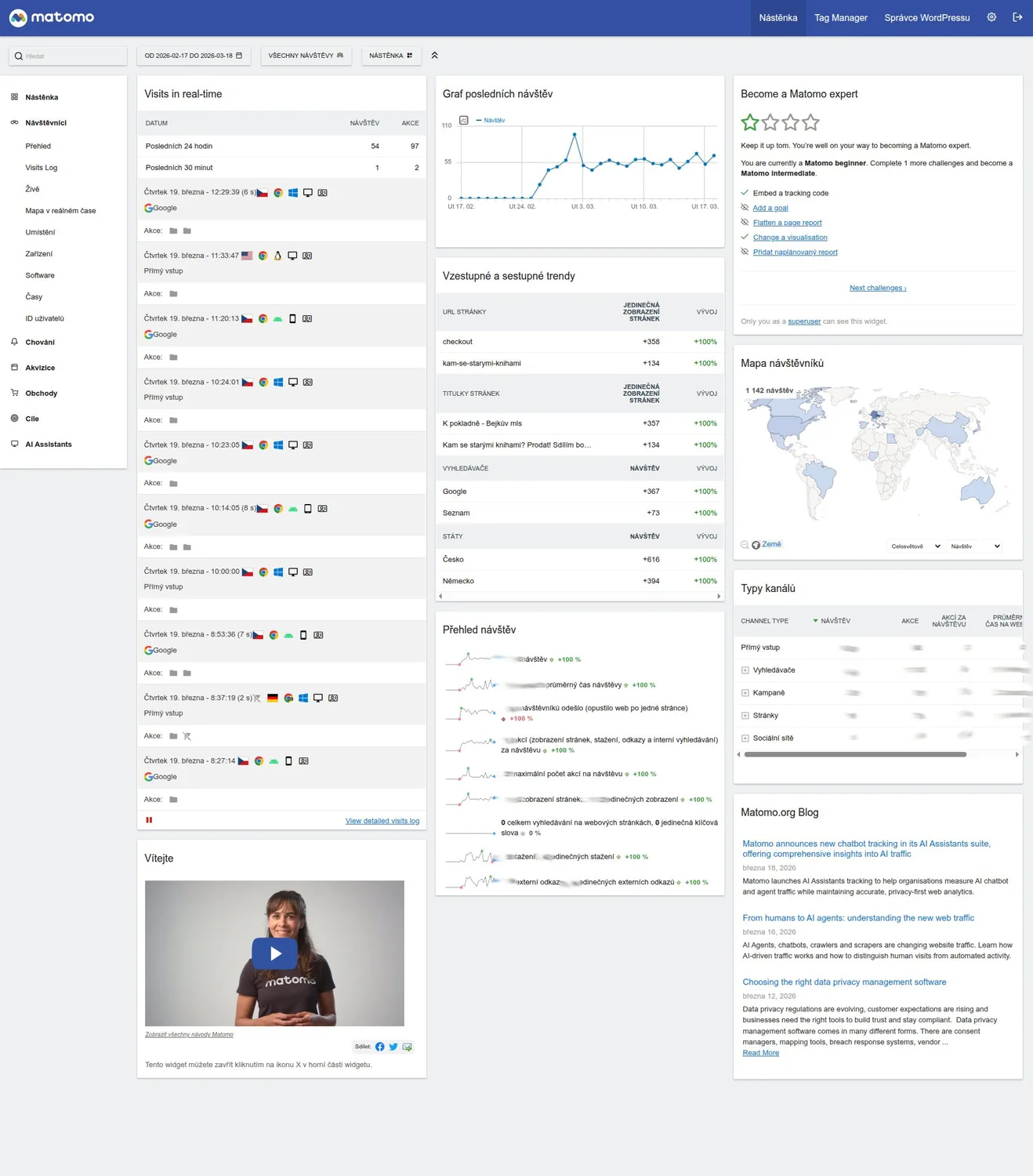
Matomo is the most ambitious alternative to GA4. As a WordPress plugin it installs in a few minutes (there's also a PHP version for non-WordPress sites), and your data stays on your own server. It can do almost everything GA4 can, and nobody else uses the data.
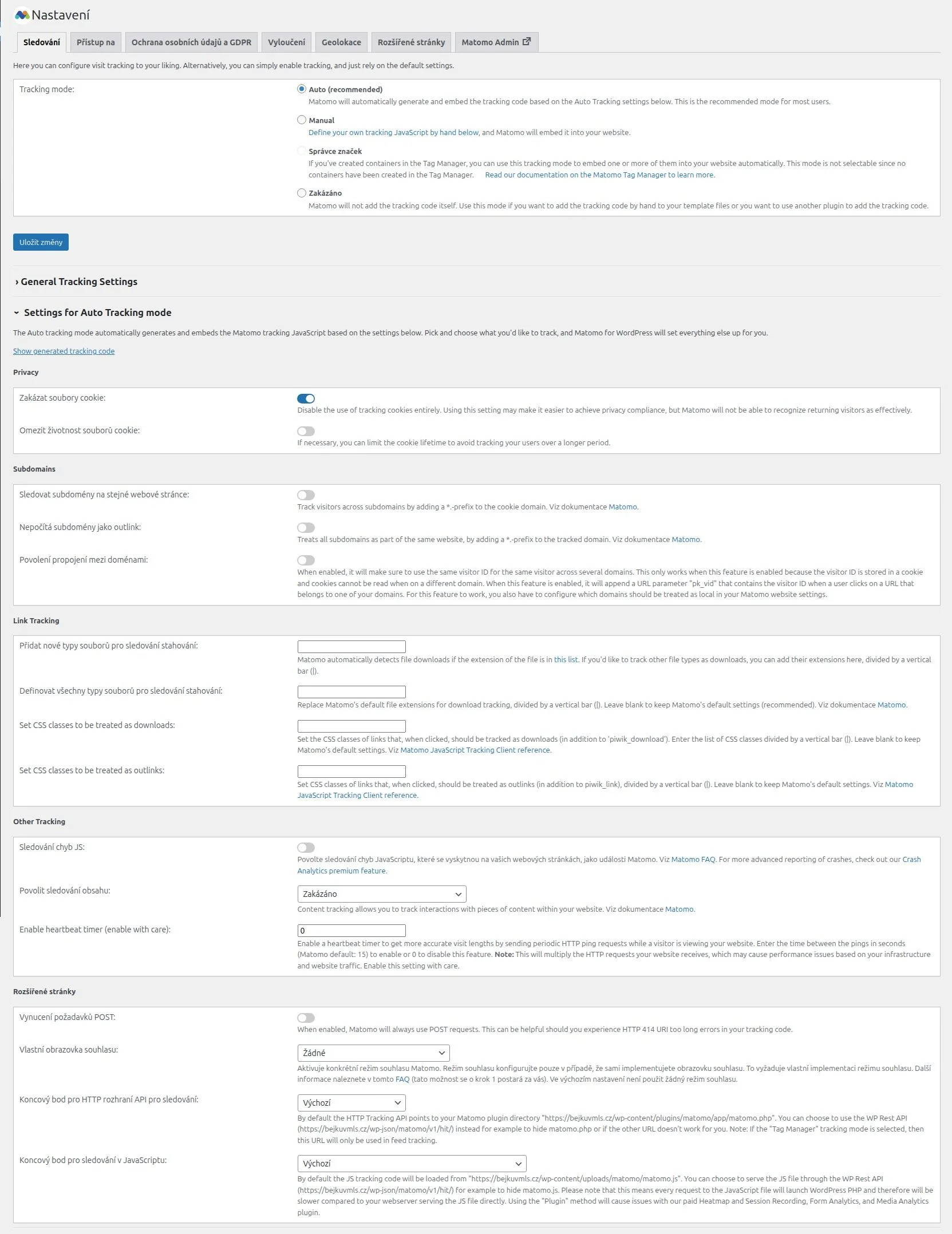
It works in both consent mode and cookieless mode. With user consent (consent mode) you get details like time spent on a page, etc.
I like the simplified dashboard that shows basic traffic at a glance - and when you want to dig deeper, you can explore detailed analytics that you can also export. Handy for an experienced marketer when the time comes, or if you want to chat with a chatbot and feed it your data.
Google Analytics 4 - when you need the Google ecosystem
Google Analytics used to be synonymous with traffic measurement. Until they ended support for Google (Universal) Analytics. With GA4, a lot of people hit a wall. Just getting basic analytics running is something most regular users won't manage. And even then it's not a win - it takes a lot of time.
Google Analytics is installed via a code snippet on your site (or Google Tag Manager - the better option), measures via JavaScript in the browser, and sends data to Google's servers. It's "free" - you pay with your visitors' privacy.
What it does well: integration with Google Search Console and Ads, conversion tracking, user behaviour analysis. For a blogger with no interest in running ads, it can be overkill.
What it does less well: without cookie consent it doesn't measure. Since consent banners became standard, that means part of your visitors disappear from your overview. Google somehow estimates them back in.
Conclusion
There is no single best tool for everyone. But for a blogger or website owner who cares mainly about content and not performance marketing, the choice is clear:
- simple solution - Koko.
- solid overview without Google - Matomo.
GA4 makes sense when you genuinely need it - not just because everyone else uses it.